Identify any plant.
Take a photo or pick one from your library.
Snap a photo to name any plant, find out what's wrong, and get a care plan that reminds you when to water.
7 days free, then $39.99/year. Cancel anytime.
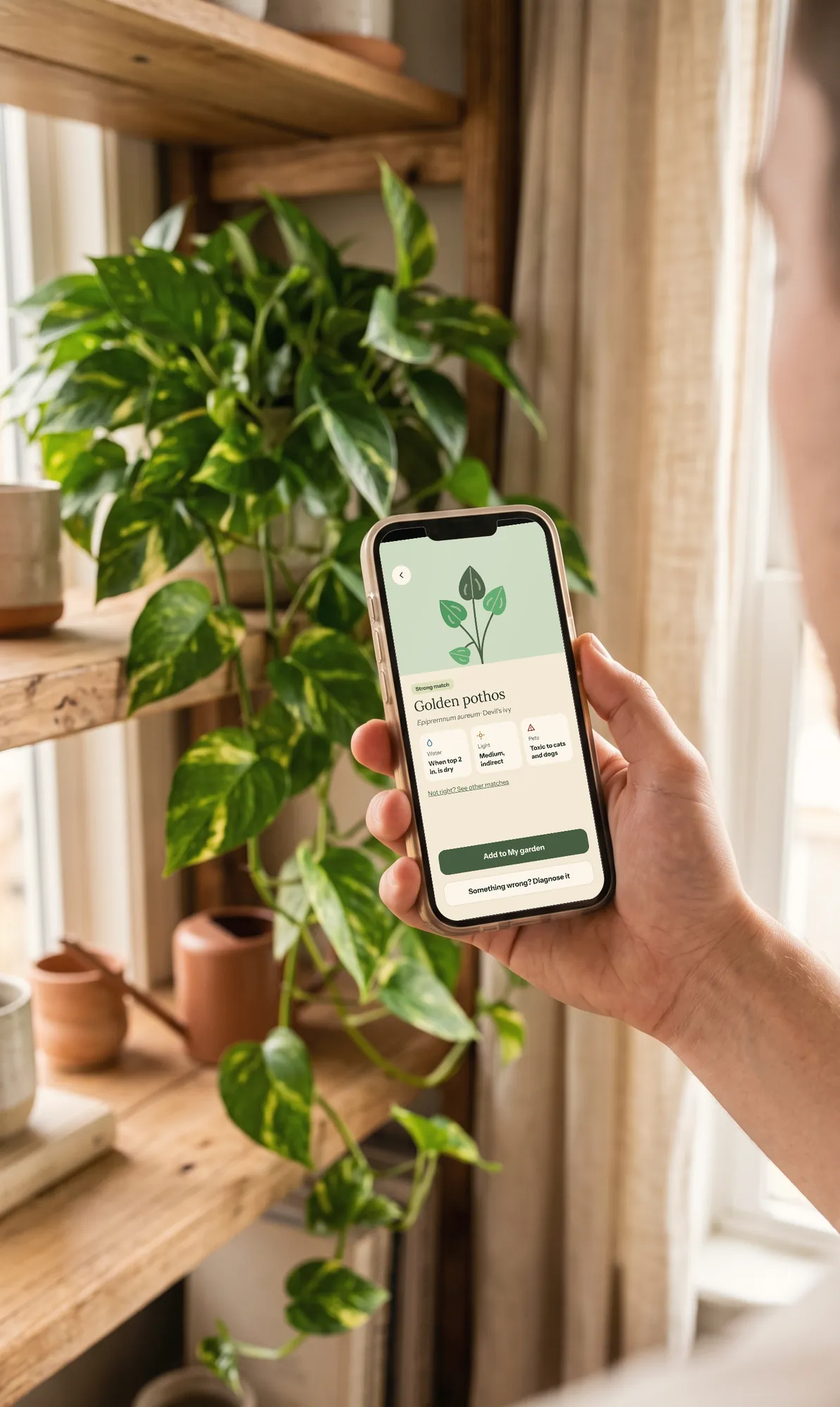
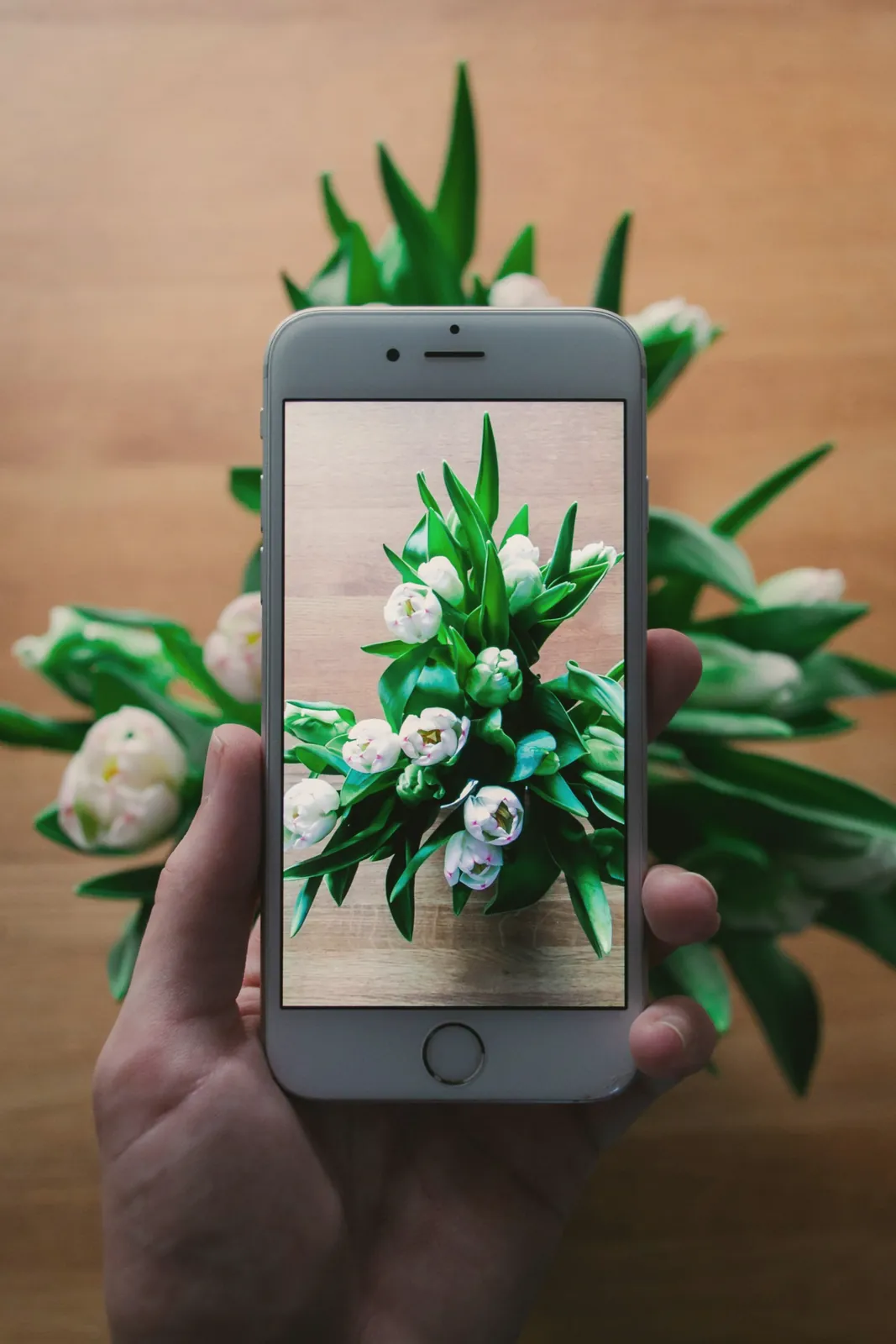
Point your camera at a leaf, a flower or the whole plant.
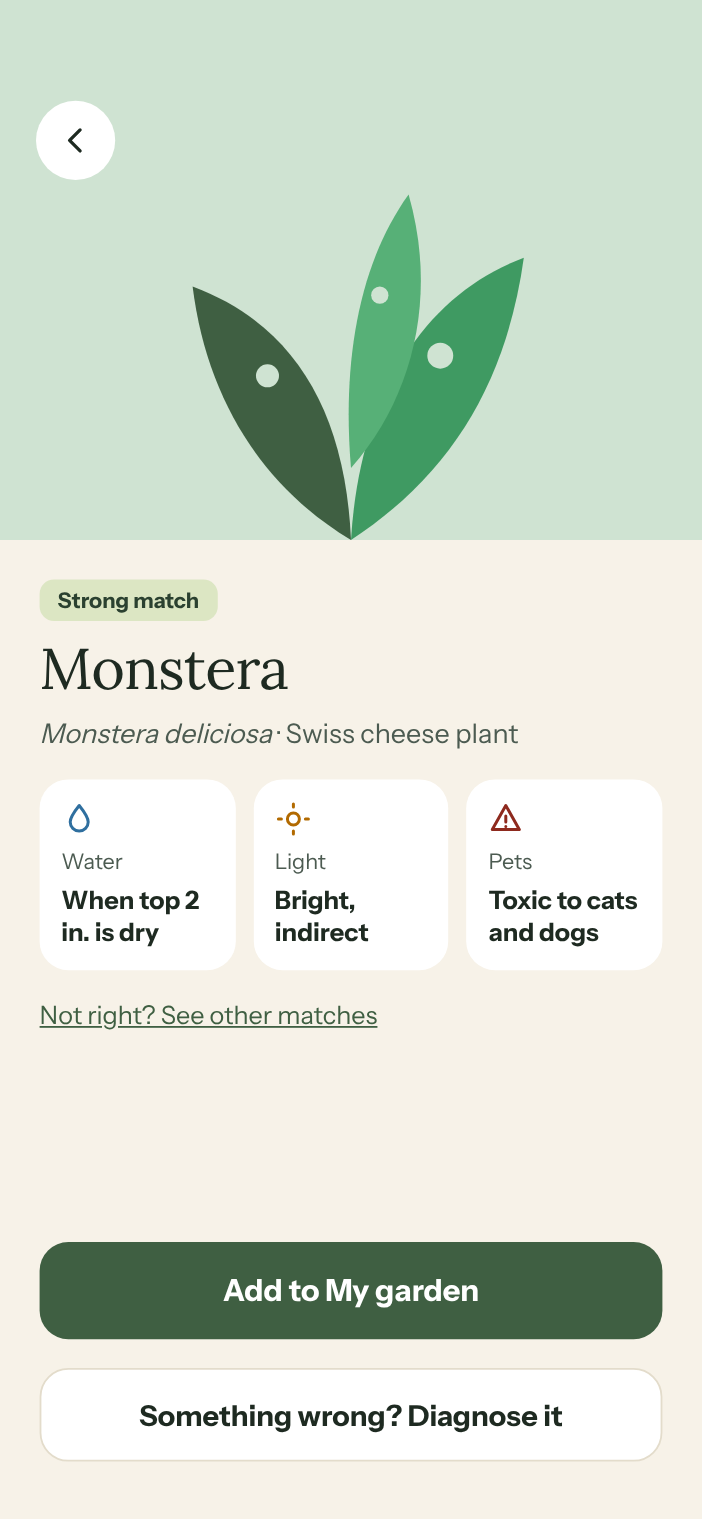
See what it is, how much light and water it likes, and whether it's safe for pets.
Add it to your garden and MossWood reminds you when it needs water.
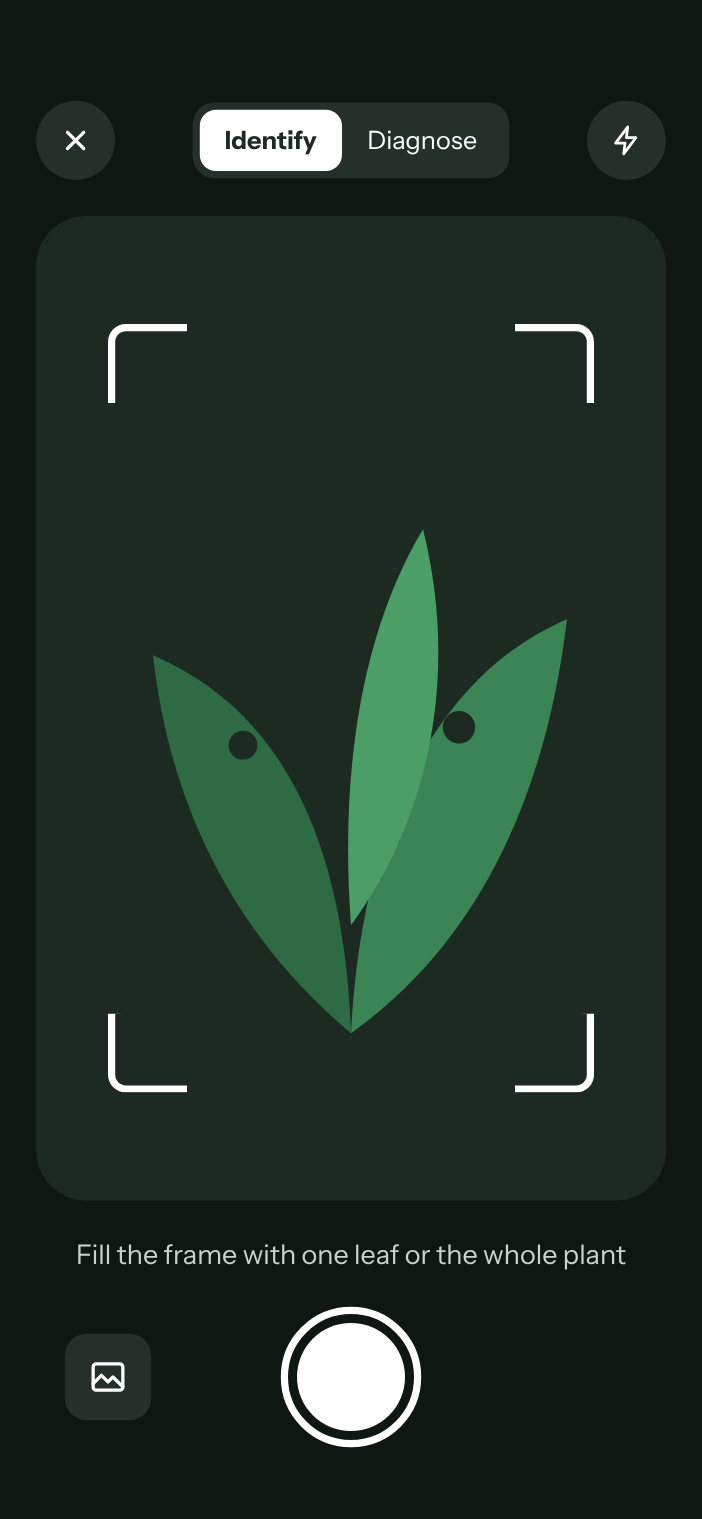
Take a photo or pick one from your library.
MossWood shows the closest match, its common and Latin names, and other likely matches if the first one isn't right.
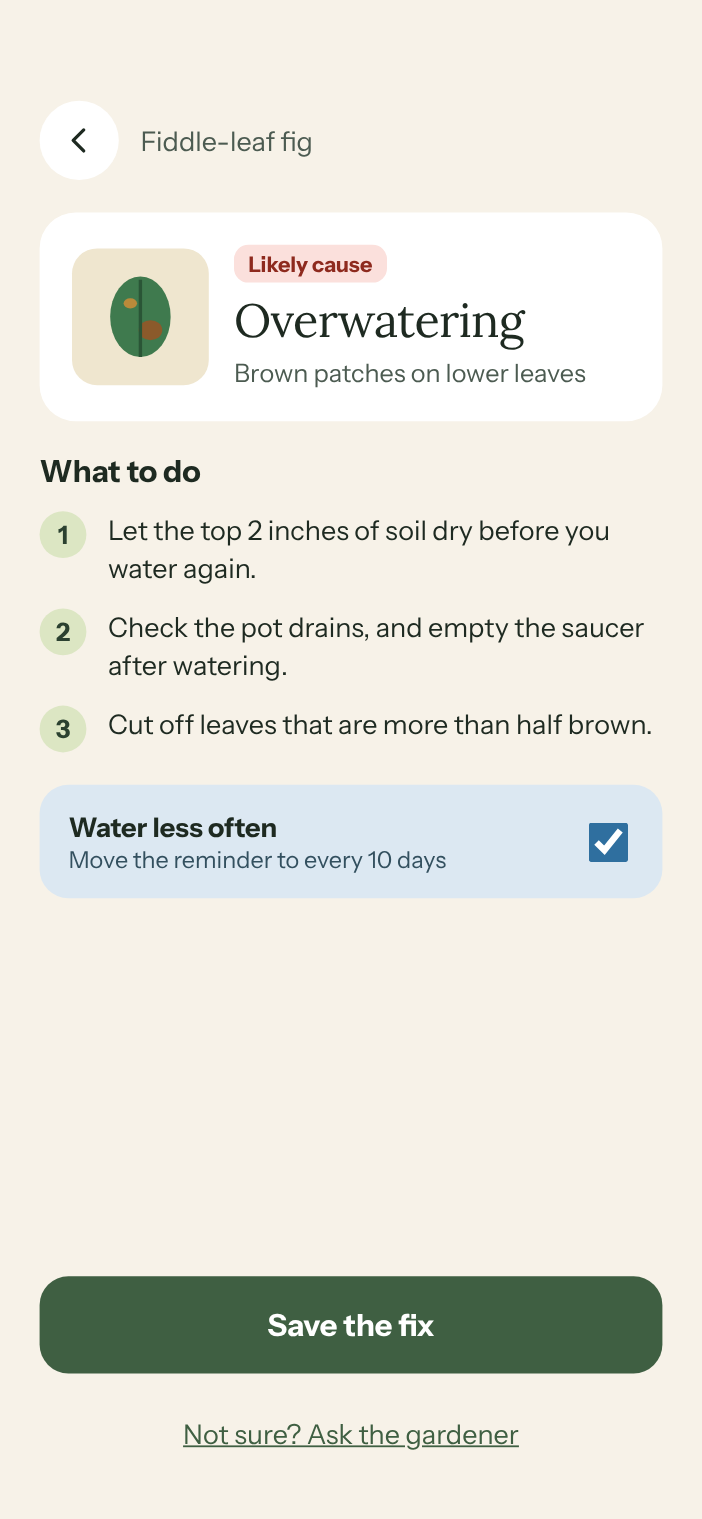
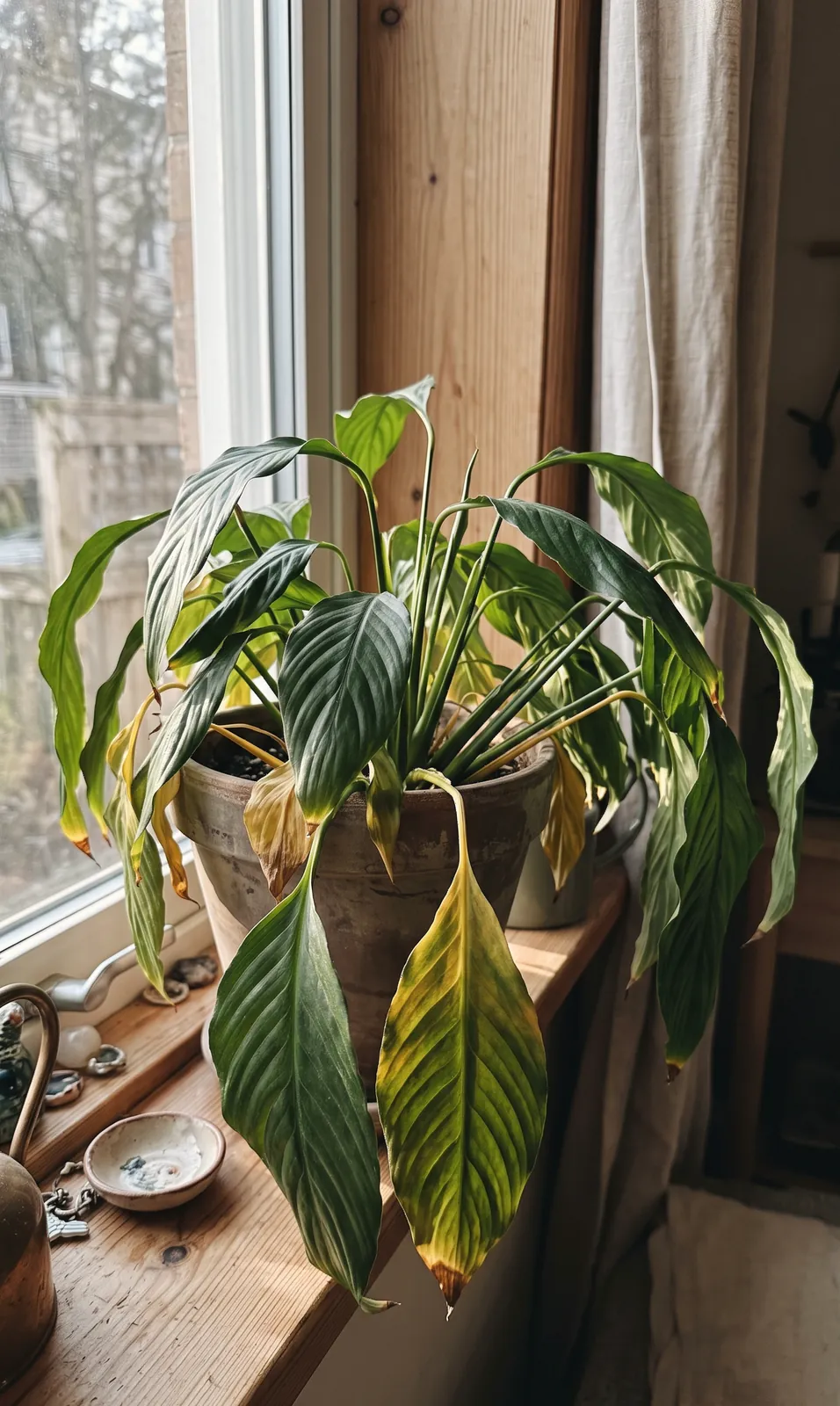
Yellow leaves, brown spots, drooping, pests. Switch the camera to Diagnose and get the likely cause with simple steps to fix it.
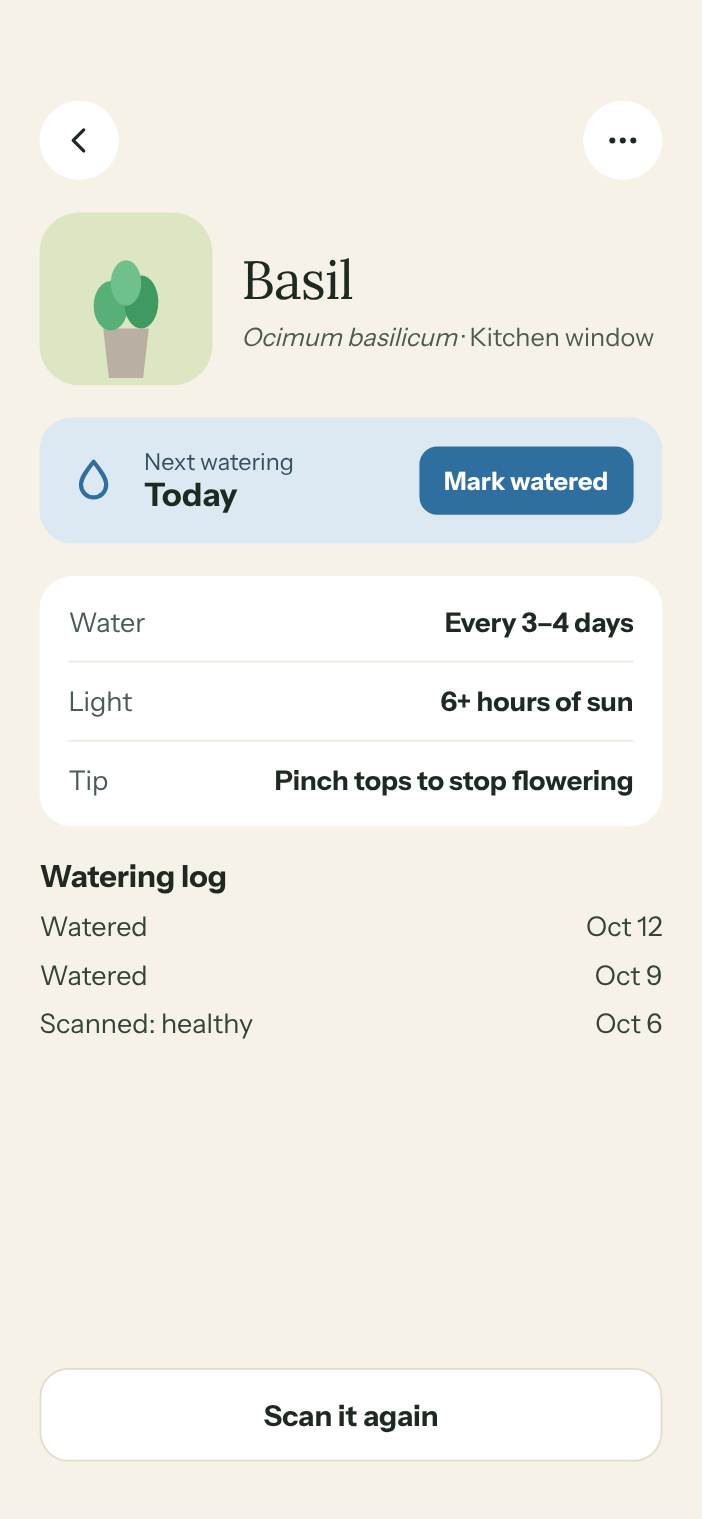
Water, light and a care tip for each plant, plus a watering log so you know what you did and when.
Take a photo or pick one from your library.
MossWood shows the closest match, its common and Latin names, and other likely matches if the first one isn't right.
Yellow leaves, brown spots, drooping, pests. Switch the camera to Diagnose and get the likely cause with simple steps to fix it.
Water, light and a care tip for each plant, plus a watering log so you know what you did and when.
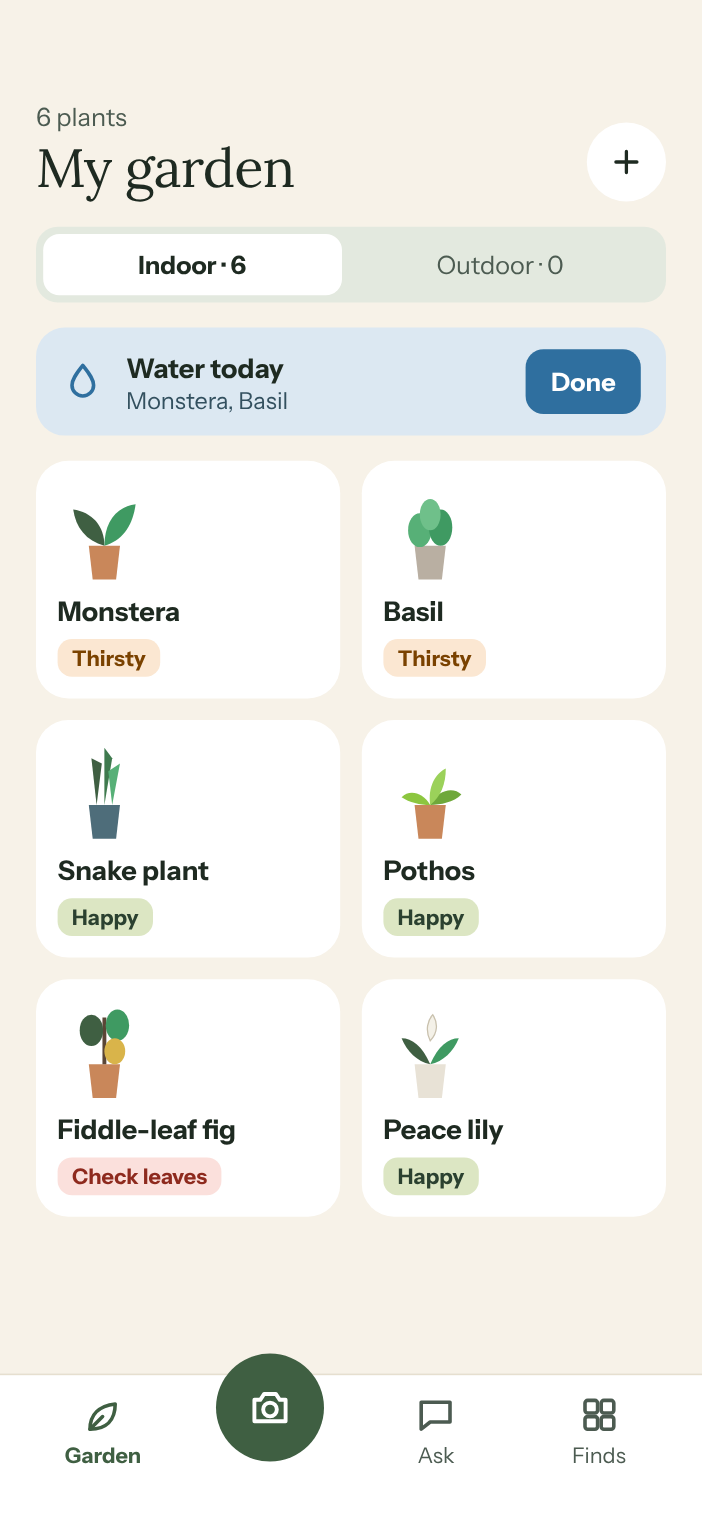
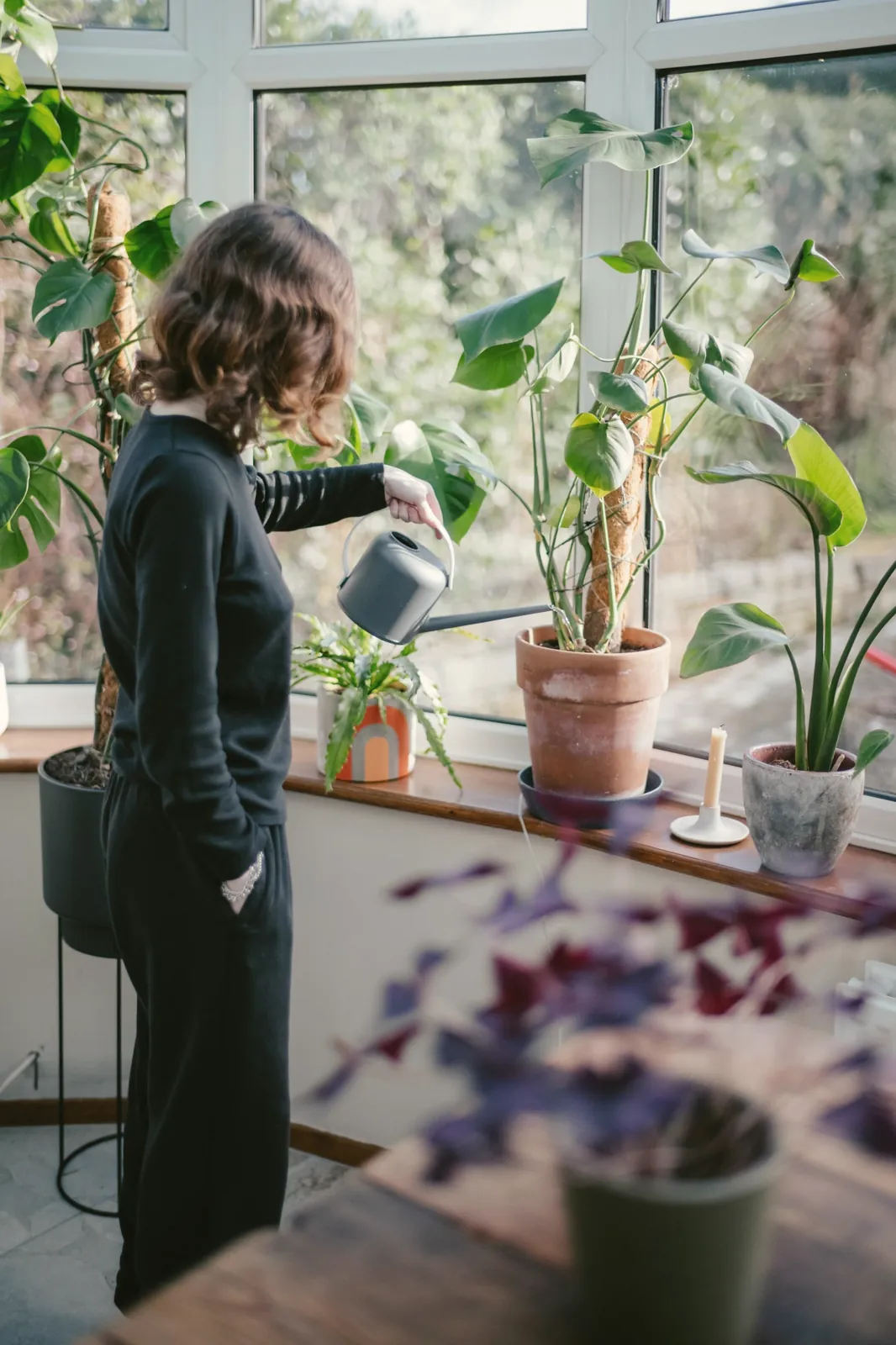
“Water today” for the plants that need it, nothing for the ones that don't. Change the schedule when your plant changes.
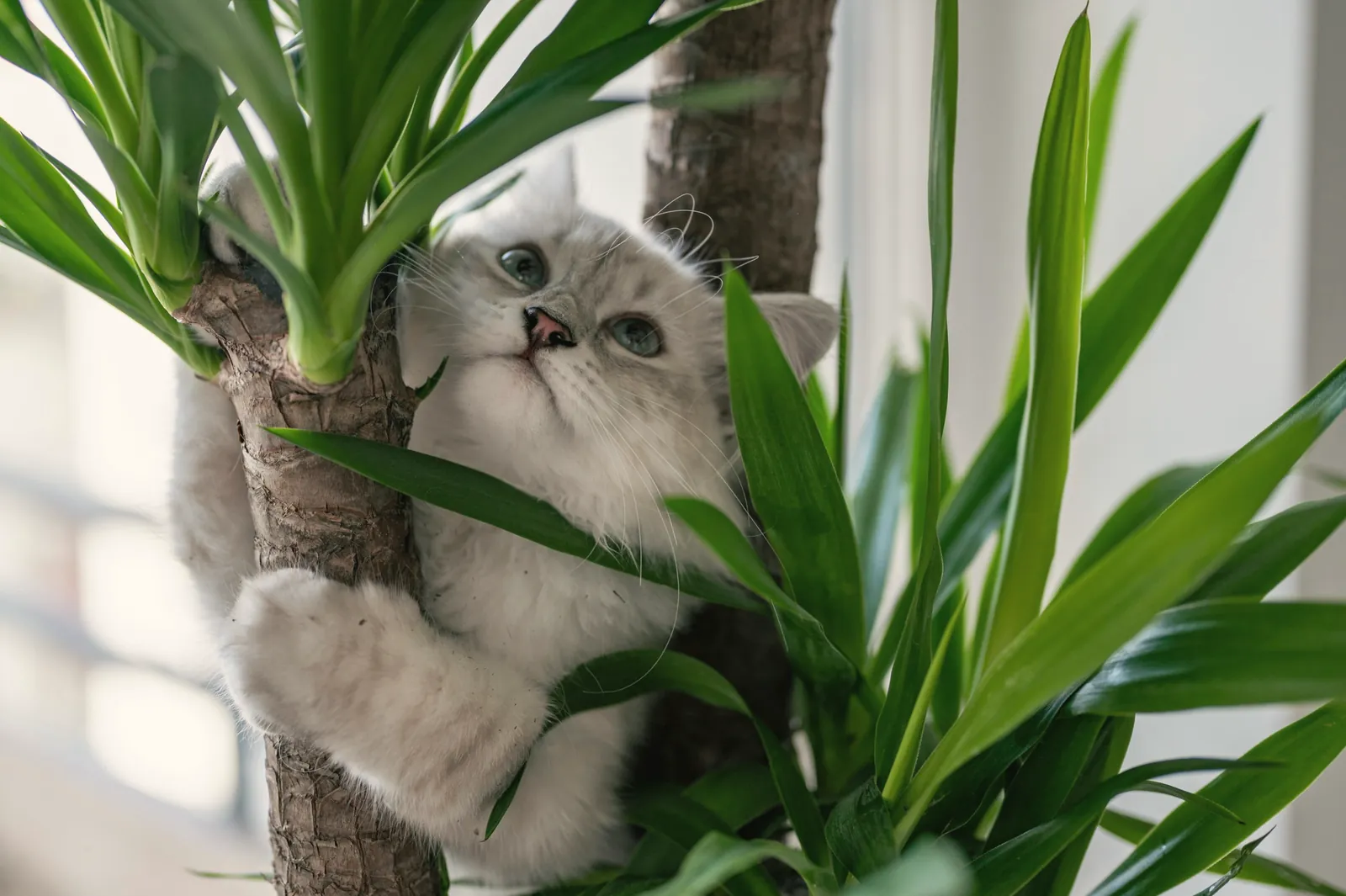
See at a glance whether a plant is toxic to cats or dogs before it comes home.
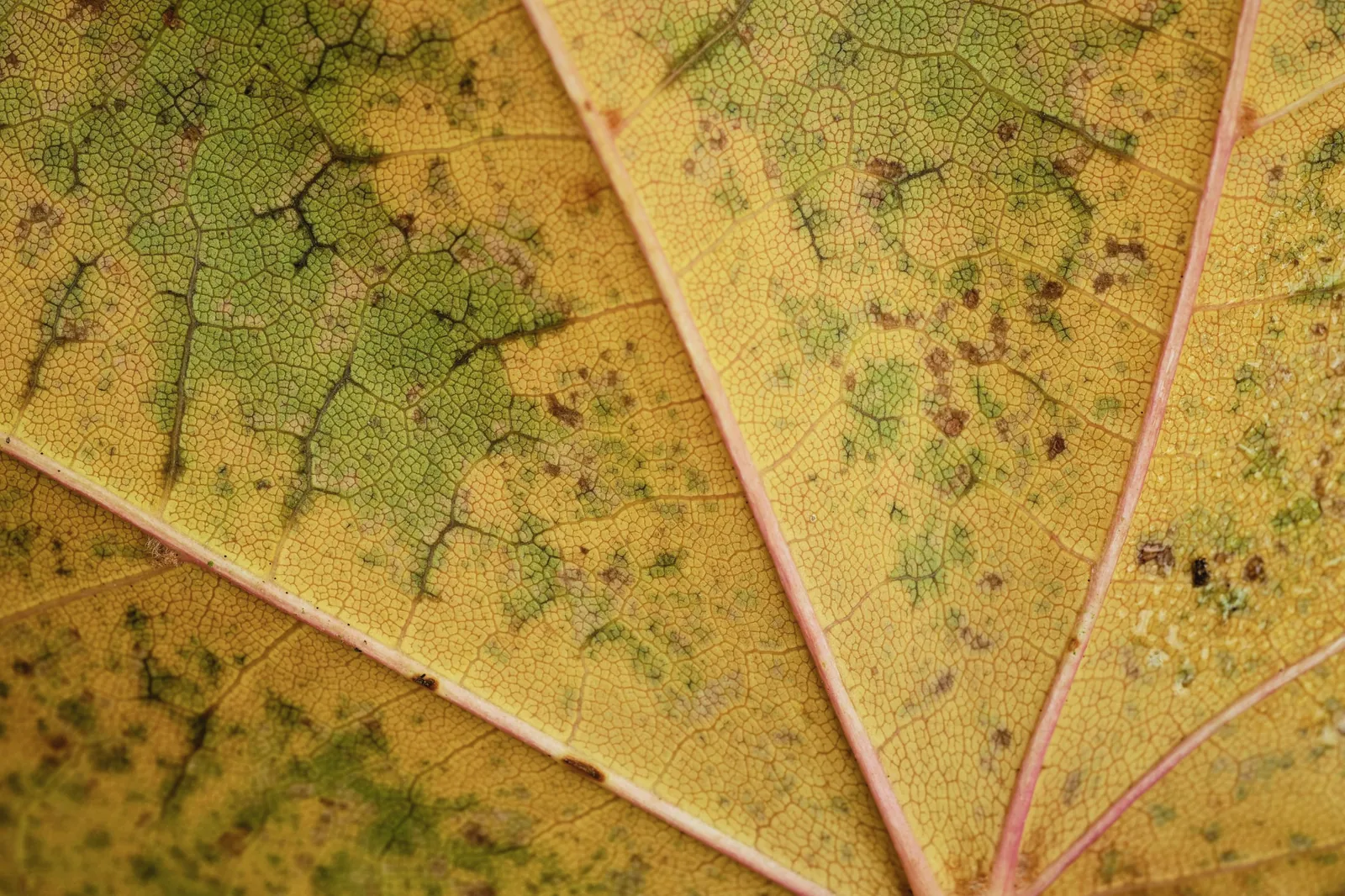
Yellow leaves, brown spots, drooping, pests.
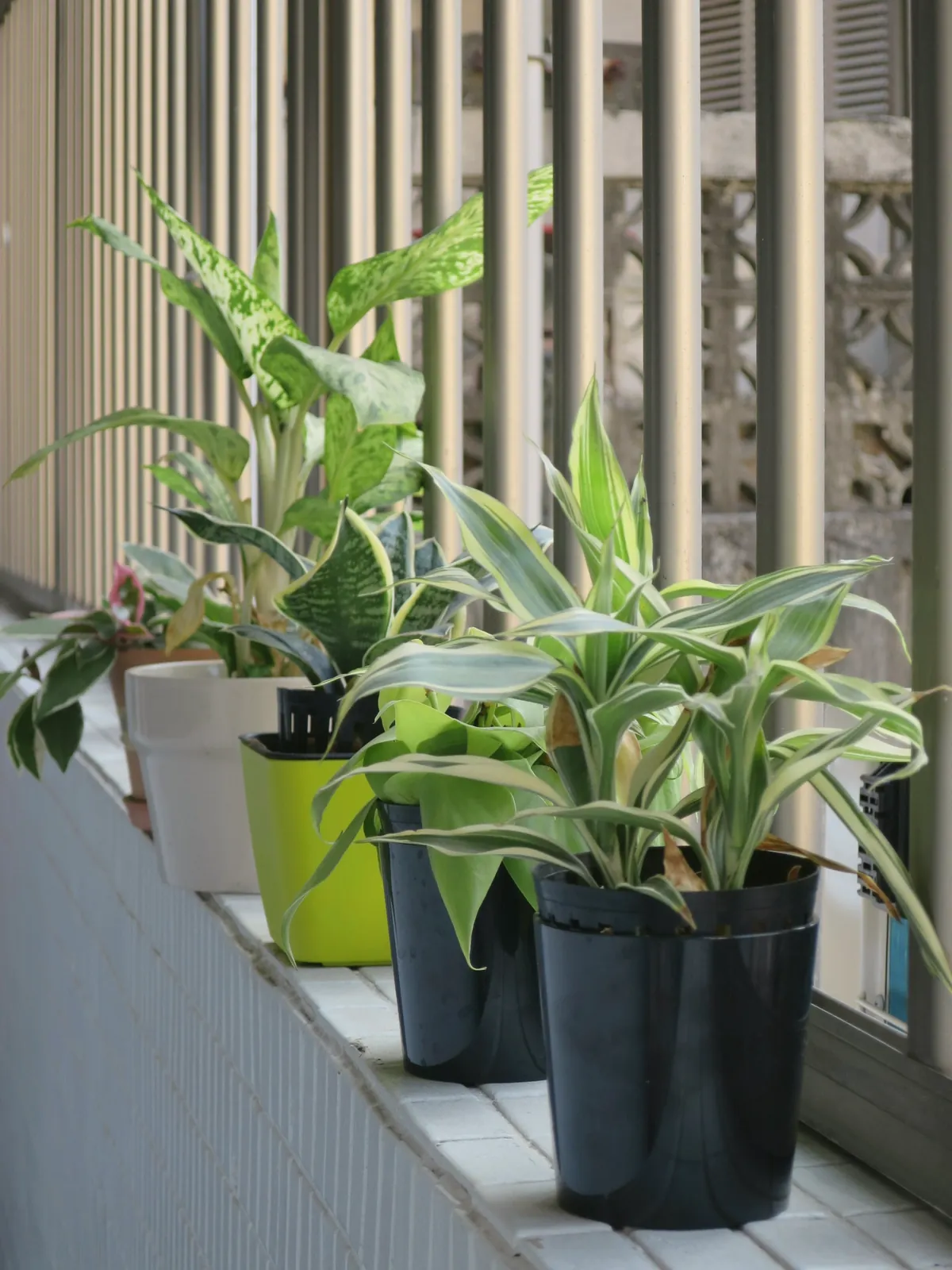
Houseplants, balcony pots, the garden and the plants you spot on a walk.
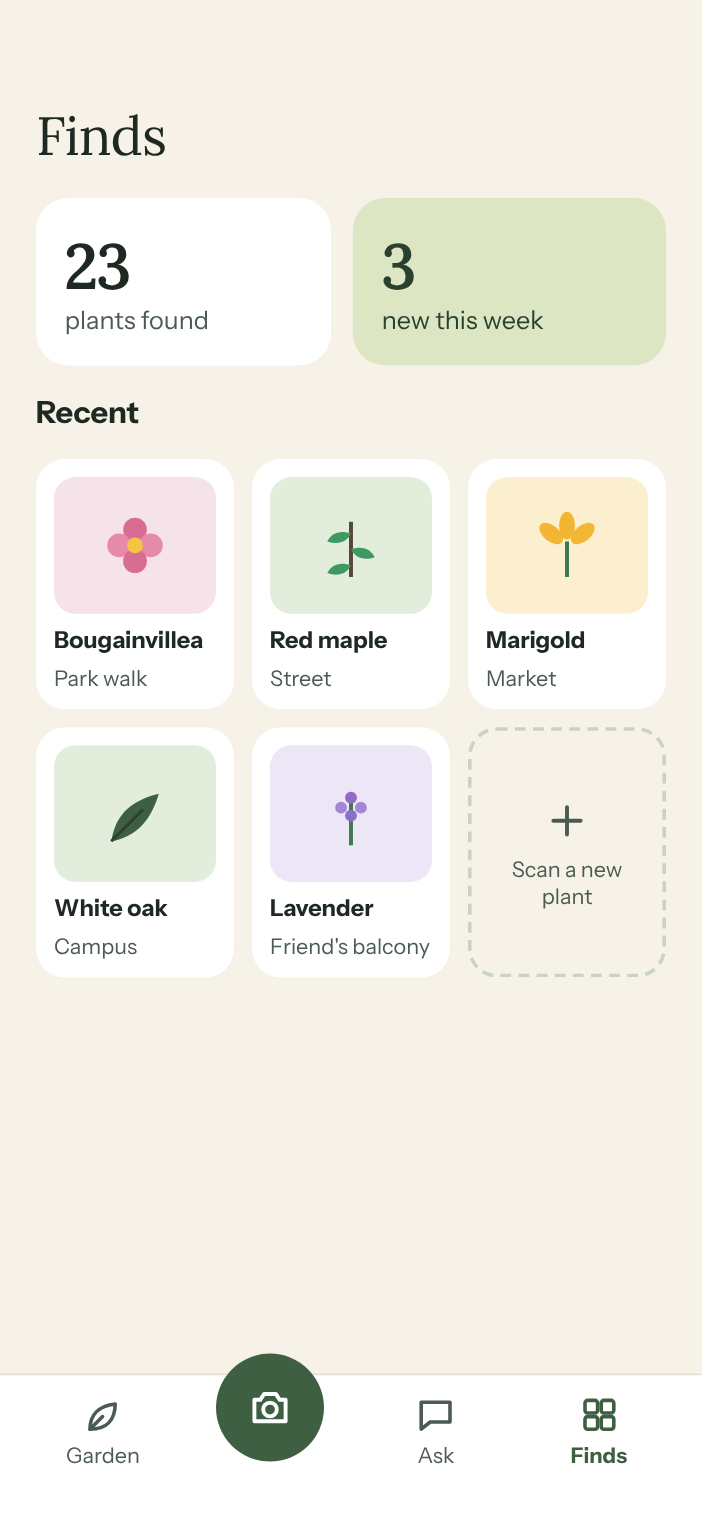
Keep a collection of every plant you identify outdoors, with where you found it.
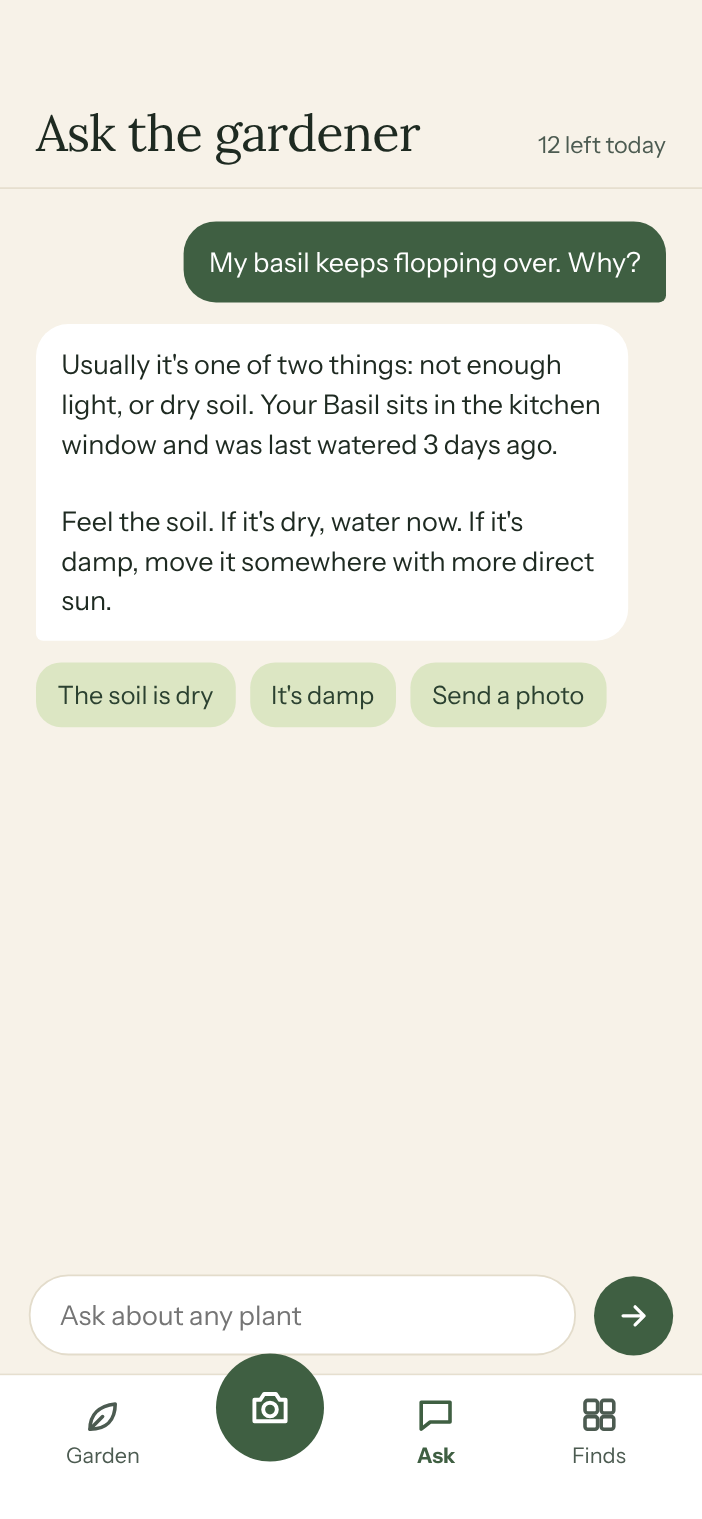
Ask the gardener
Ask anything about your plants. Send a photo, get a plain answer and one thing to do today. He knows what's in your garden, so you never have to explain twice.

You: My basil keeps flopping over. Why?
Gardener: Usually it's one of two things: not enough light, or dry soil. Your basil sits in the kitchen window and was last watered 3 days ago.
Gardener: Feel the soil. If it's dry, water now. If it's damp, move it somewhere with more direct sun.
Daily limit applies.
Most plant apps give you a name and leave. MossWood stays: it learns your plants, tells you what to do today, and checks in when something looks off.
Built for beginners. Useful for everyone.
7 days free, then
$39.99 a year
Cancel anytime from your iPhone settings.
Payments are handled by Apple.
More on the support page.
You get 7 days free with everything included. After that it's $39.99 a year. Cancel anytime before the trial ends and you won't be charged.
On your iPhone: Settings > your name > Subscriptions > MossWood > Cancel Subscription. Apple handles all payments, so we can't cancel or refund for you, but Apple can at reportaproblem.apple.com.
Take a clear photo of a leaf, flower or the whole plant. MossWood compares it with known plants and shows the closest match. If it isn't right, tap “See other matches”.
Switch to Diagnose and take a photo of the problem. You'll see the likely cause and steps to fix it. Photos can't show everything (roots, for example), so for serious problems a local nursery is worth a visit.
Yes. Each plant shows whether it's listed as toxic to cats and dogs. If your pet has eaten something, call your vet straight away.
Yes: garden plants, balcony pots, trees and the plants you see on a walk.